Enhance Your Gmail Security with a Quick Checkup
Understanding Google Security Checkup
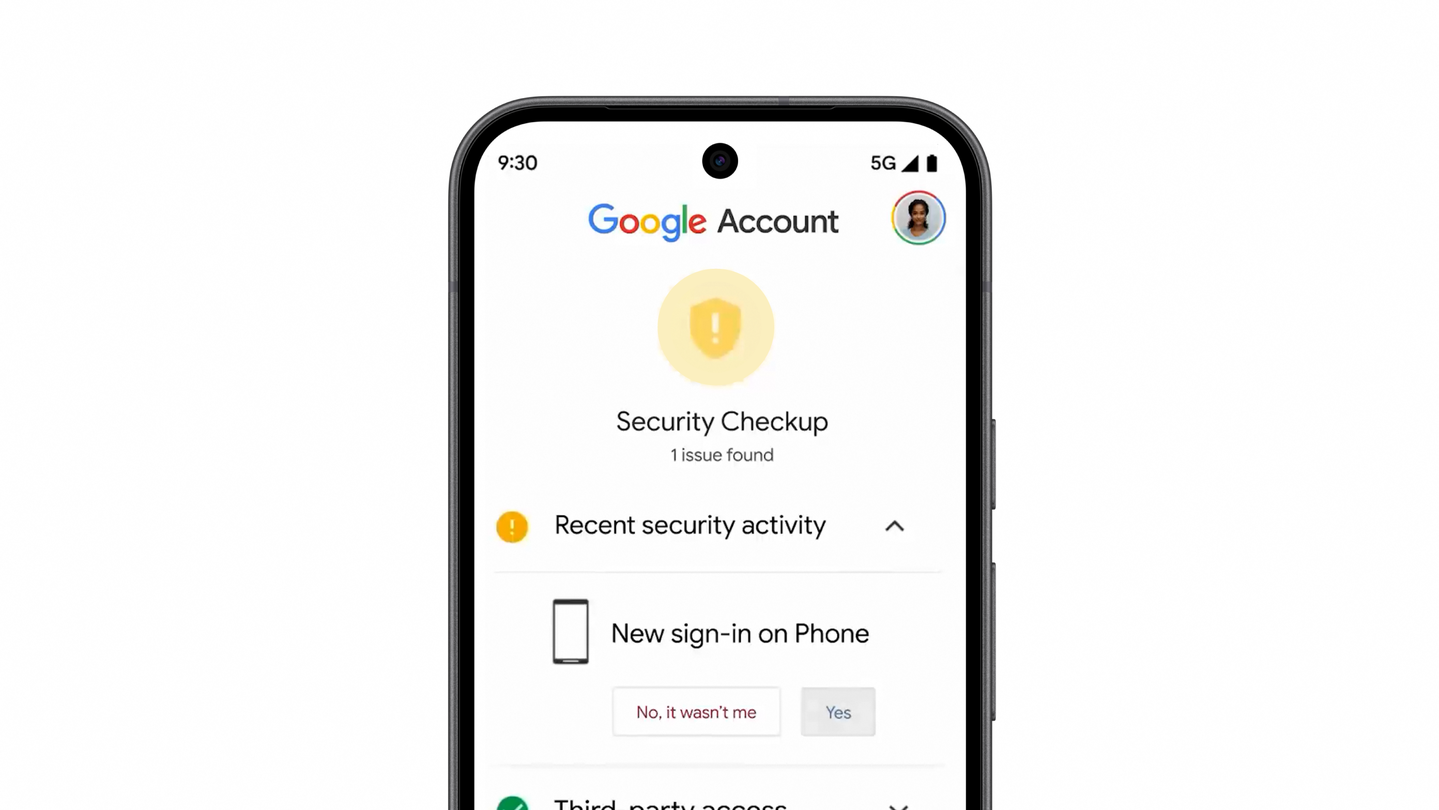
In today’s digital age, email security has become increasingly important. Gmail users often overlook the access permissions granted to various applications and services. A simple yet effective way to safeguard your inbox is by utilizing Google’s Security Checkup feature. This tool allows users to quickly review who or what has access to their Gmail accounts, ensuring that your information remains protected.
Why Regular Security Checks Matter
It’s not uncommon for users to forget about the permissions they’ve granted over time. Applications may request access to your Gmail for various reasons, such as integrating with productivity tools or managing tasks. However, not all applications maintain the same level of security. Regular checks can help you identify any unauthorized access and remove permissions for apps that you no longer use or trust.
Steps to Perform a Security Checkup
Performing a Google Security Checkup is straightforward. Follow these three simple steps:
- Access the Security Checkup: Go to the Google Security Checkup page. You will need to sign in to your Google account if you aren’t already logged in.
- Review Access Permissions: The checkup will display a list of applications that have access to your Gmail. Take note of any that seem unfamiliar or unnecessary.
- Manage Permissions: For any application that you no longer wish to have access, simply click on the option to remove its permissions. This will revoke its access to your Gmail inbox.
Additional Safety Tips
Beyond using the Security Checkup, there are several other practices you can adopt to enhance your Gmail security:
- Enable Two-Factor Authentication: This adds an extra layer of security by requiring a second form of verification when logging in.
- Be Cautious with Phishing Attempts: Always scrutinize emails that ask for personal information or direct you to unfamiliar websites.
- Regularly Update Your Password: Change your password periodically and avoid reusing passwords across different accounts.
- Utilize Gmail’s Spam Filters: Make sure your spam filters are activated to automatically filter out unwanted emails.
Learn More About Gmail Security
For those looking for further information on how to secure their Gmail accounts, the Gmail Help Center offers a comprehensive guide on protecting your account. This resource can provide additional insights and tips to keep your inbox safe from phishing attacks and unwanted senders.
In summary, taking a few minutes to perform a Google Security Checkup can significantly enhance your email security. By regularly reviewing who has access to your Gmail inbox and managing permissions effectively, you can ensure that your personal information remains safe and secure.
Source for the original facts: Original source.