Enhancing Android App Performance: Key Updates from Google I/O 2026
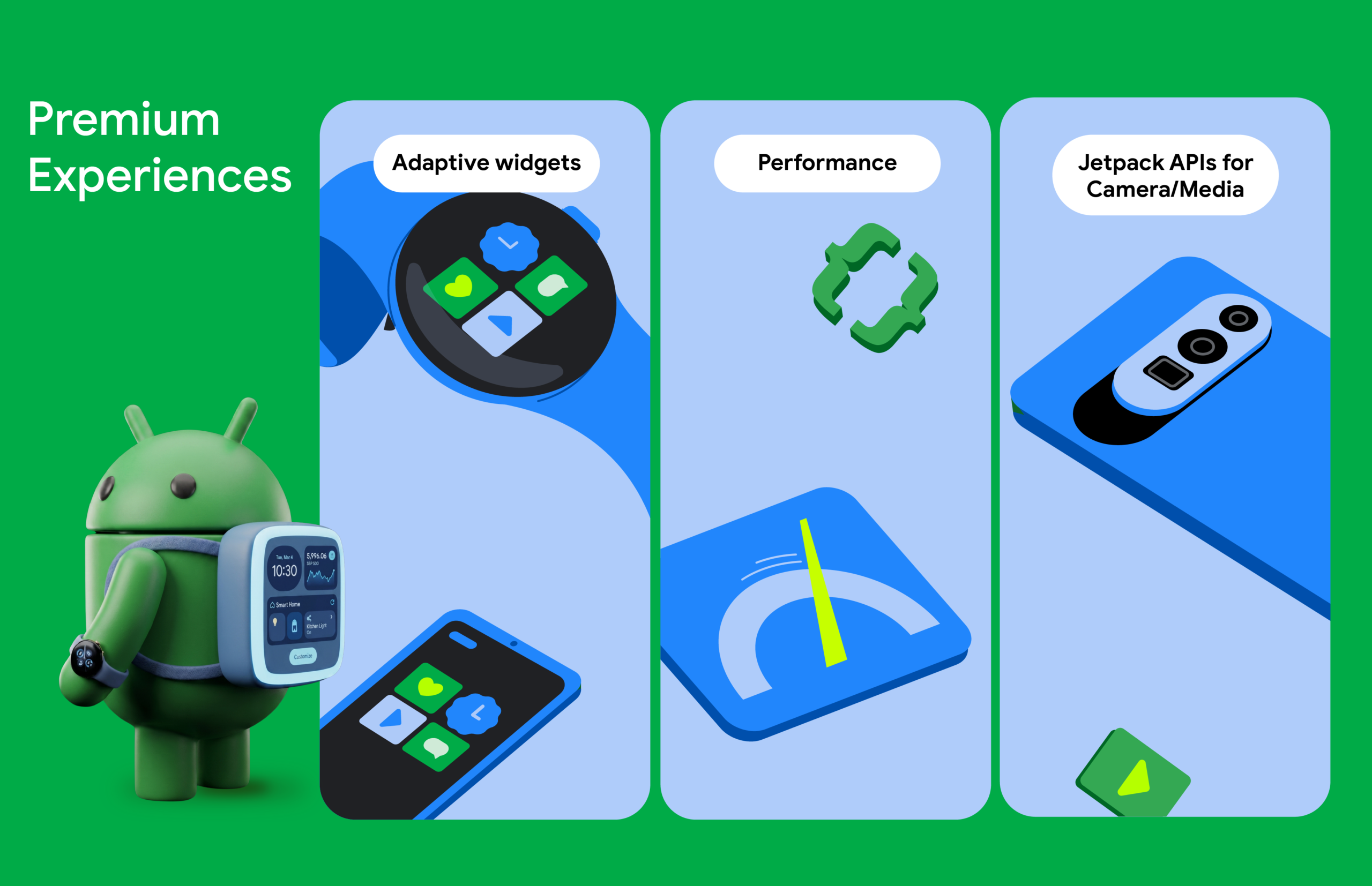
Google I/O 2026 has unveiled a range of powerful tools and libraries aimed at helping developers create standout applications. With a focus on optimizing performance, enhancing user interaction, and streamlining media handling, these updates are designed to elevate app experiences across various devices.
Optimize Your App’s Performance with R8
One of the standout features introduced this year is the R8 Configuration Analyzer, now available in Android Studio. R8 is a crucial tool that improves app performance by optimizing code. However, its potential has often been hindered by overly broad “keep rules” that prevent the compiler from eliminating unused code.
The new Configuration Analyzer allows developers to identify specific rules that limit R8’s optimization capabilities. By refining their configurations, developers can significantly enhance app performance. For instance, Monzo reported a remarkable 30% improvement in cold start times and a 35% reduction in Application Not Responding (ANR) errors. This optimization not only enhances efficiency but also ensures that apps have the necessary memory to perform well across various devices, from smartphones to cars.
Engaging Users with Jetpack Glance
User interaction patterns are evolving, with a growing emphasis on quick and glanceable information. To support this trend, Google is unifying the development experience through Jetpack Glance. This tool allows developers to present essential content directly on users’ home screens, Wear Widgets, and car dashboards using a consistent, Compose-based approach.
By leveraging Jetpack Glance, developers can ensure that critical app features are accessible even outside of the main application. This is further enhanced by RemoteCompose, which enables the use of familiar Compose tools to create UI logic that performs natively on remote surfaces. This means that widgets can now be more expressive and adaptive, providing users with a seamless experience across devices.
Creating a Cohesive User Journey
The combination of Jetpack Glance and RemoteCompose allows for a unified user journey. Whether users are checking flight statuses on their car dashboards, viewing gate changes on their smartwatches, or managing boarding passes from their phones, this shared approach maximizes app visibility while minimizing development effort.
Advanced Media Handling with Media3
To support high-quality media experiences, Google introduced the Media3 AI Effects library. This library provides a unified interface for premium media features such as Image & Video Enhance, Magic Eraser, and Studio Sound. With Media3, developers can focus on the creative aspects of their projects while the library efficiently manages the technical complexities.
The latest updates also include enhancements in multi-asset editing with the Media3 Transformer, which facilitates the compositing of edited videos. Furthermore, developers can utilize tools designed for professional-grade export and viewing, ensuring that the final media output meets high standards.
By integrating these advanced tools and libraries, developers can build a cohesive media experience that not only delights users but also delivers a strong return on investment for development teams.
For those looking to dive deeper into these updates, Google has curated a premium Android experience YouTube playlist, offering additional insights and guidance.
Source for the original facts: Original source.