Enhancing Travel Apps with Intelligent Features Using AppFunctions
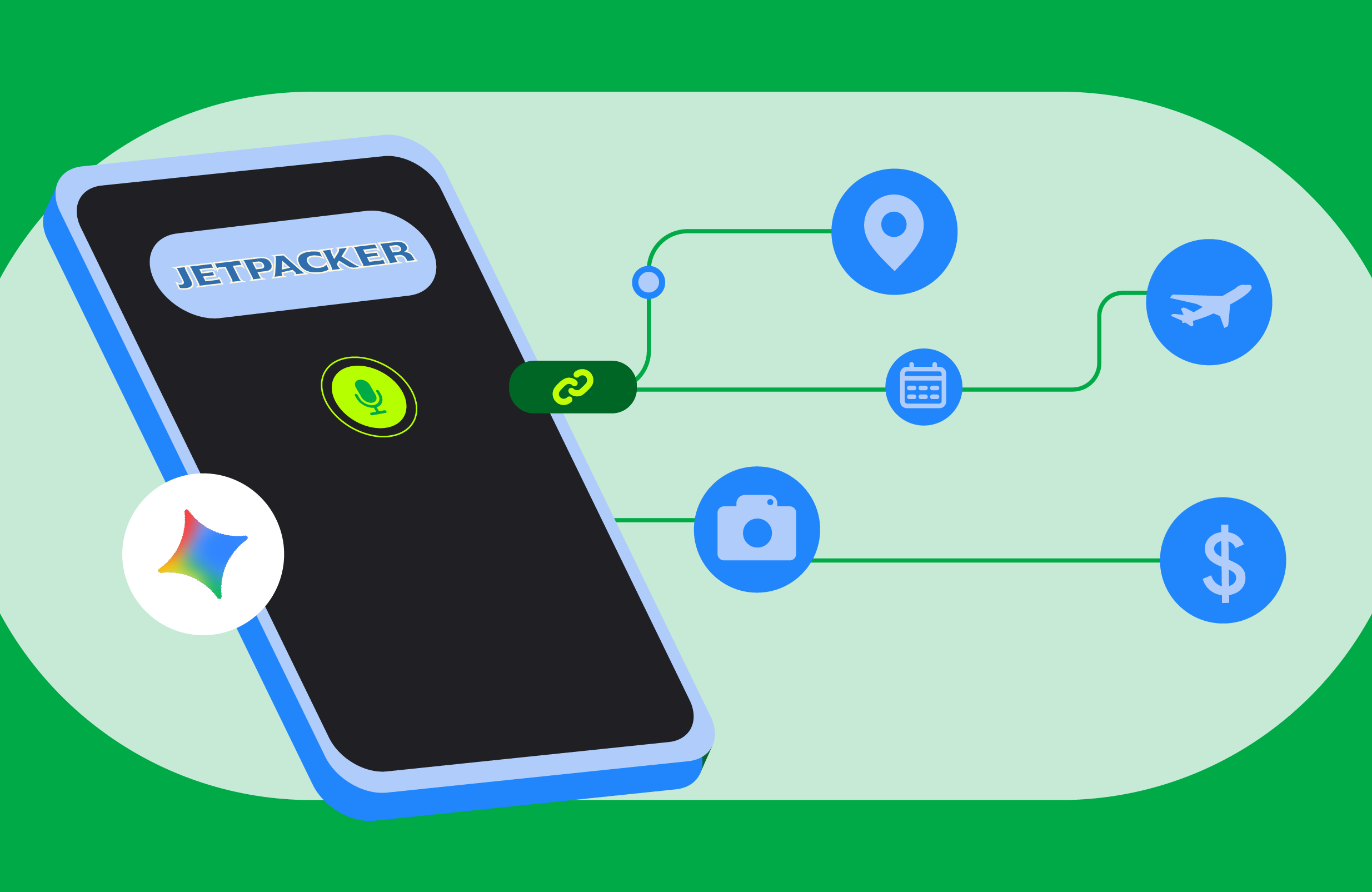
In the ever-evolving landscape of mobile applications, integrating intelligent features can significantly enhance user experience. This article explores how to leverage Android’s AppFunctions to transform a basic travel app, JetPacker, into a more personalized and efficient tool for users.
Understanding AppFunctions and Their Benefits
AppFunctions serve as a bridge between user commands and app functionalities, allowing for seamless interactions without the need for extensive navigation through the app interface. This approach is particularly effective in scenarios where voice or text commands can expedite tasks that would otherwise require multiple taps on the screen.
Key Features Integrated into JetPacker
- Expense Tracking: Logging expenses while traveling can be cumbersome. By integrating the addExpense and getExpenses AppFunctions, users can simply voice command their expenses, such as “Add a five-dollar coffee expense to my Paris trip.” The app automatically processes this request in the background, eliminating the need for tedious navigation.
- Itinerary Management: Managing a busy travel itinerary can be challenging. With the getItinerary and addItineraryEvent functions, users can inquire about their next activity with a simple question like, “What am I doing next in Paris?” This feature streamlines access to itinerary information.
- Hands-Free Note Capturing: Typing notes while on the go can be impractical. By exposing a voice note capability through the addVoiceNote AppFunction, users can dictate their thoughts, which are then transcribed and saved automatically, making it safer and more convenient to capture important information.
How AppFunctions Work Under the Hood
The architecture of AppFunctions is designed to facilitate a local client-server model where the app acts as a server exposing structured tools, while the Android platform functions as a central tool registry. This setup allows developers to grant specific permissions to agent apps, ensuring that user data remains private.
Implementation Steps for Developers
- Begin by adding the necessary AppFunctions dependencies for the API and Kotlin Symbol Processing compiler.
- Annotate custom objects exchanged with the agent using @AppFunctionSerializable. For instance, in the TripSerializable.kt file, define the trip data model.
- Write Kotlin functions that handle database queries and annotate them with @AppFunction.
- Switch to a background dispatcher for AppFunctions that run on the UI thread by default, using withContext(Dispatchers.IO).
- Create an abstract base class extending AppFunctionService and annotate it with @AppFunctionServiceEntryPoint to register features with the intelligence system.
- Ensure to register app_metadata.xml in the app’s manifest, which outlines operational rules for the declared AppFunctions.
Testing and Verification of AppFunctions
Once the implementation is complete, it is crucial to verify that AppFunctions are registered and operational. Developers can use ADB commands on devices or emulators running Android 17 or newer to list and test the functions. For instance, running adb shell cmd app_function list-app-functions will display all registered functions for your package. Testing can further be conducted using the command adb shell cmd app_function execute-app-function while passing a raw JSON parameters string.
By integrating these intelligent features, JetPacker not only enhances usability for travelers but also showcases the potential of AppFunctions in creating more dynamic and responsive mobile applications. As developers continue to explore these capabilities, the future of mobile app interactions looks promising.
Source for the original facts: Original source.