Enhancing Wear OS Apps with One-Handed Gesture Controls
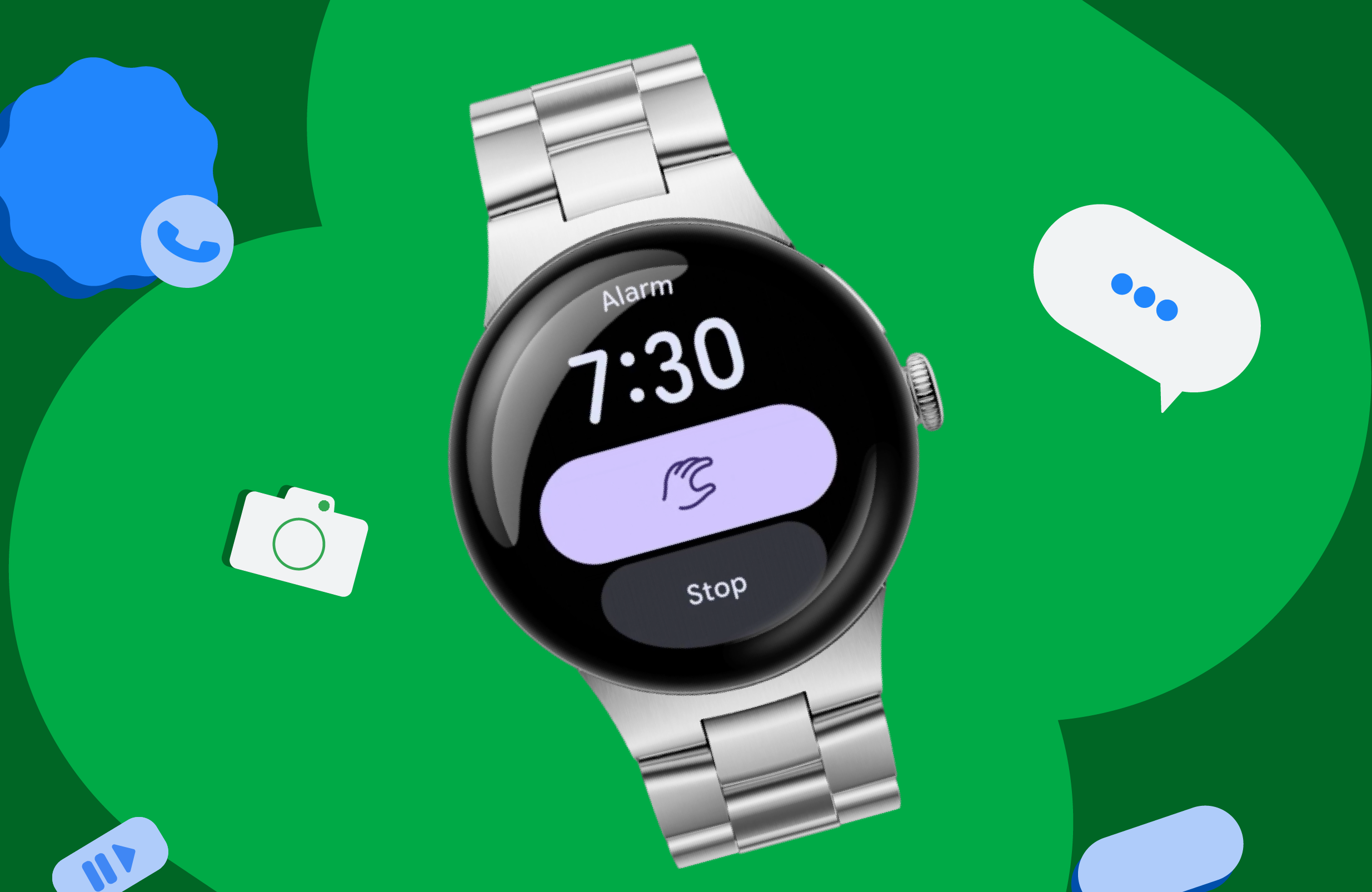
Wear OS is evolving to provide users with more convenient ways to interact with their smartwatches. One of the most exciting developments in this area is the introduction of one-handed gestures, which allow users to perform essential actions without needing to touch the screen. This feature, first rolled out with the Pixel Watch on Wear OS 6.1, has made tasks such as starting timers, accepting calls, and controlling media playback significantly more accessible.
Introducing the Gestures Framework
With the arrival of Wear OS 7, the functionality of one-handed gestures is being expanded through a new Gestures framework. This framework enables Original Equipment Manufacturers (OEMs) to map specific gestures to primary actions and dismissals, providing a more intuitive user experience. Additionally, developers can leverage an API to incorporate gesture controls into their applications, enhancing the overall usability of Wear OS apps.
Seamless Integration with Wear Compose
Developers can start integrating gesture controls into their Wear Compose apps with the 1.7 beta release of Compose for Wear OS. To utilize this new feature, developers need to upgrade their Wear Compose dependency. The one-handed gestures framework operates around two primary interaction patterns, allowing users to execute actions effortlessly without needing to interact with the screen directly.
Implementing Gesture Controls
To implement one-handed gestures in Wear OS apps, developers can use the new Modifier.oneHandedGesture. This modifier can be applied to any existing interactive composable, making it gesture-aware. The implementation process involves a few straightforward steps:
- Integrate the Modifier.oneHandedGesture into the desired interactive element.
- Utilize the GestureAction.Primary for actions such as scrolling or triggering buttons that may be off-screen.
- Incorporate gesture indicators to assist users in discovering available gestures.
For example, the OneHandedGestureClickIndicator can be used for buttons, while the OneHandedGestureScrollIndicator can guide users through scrollable content, ensuring they are aware of the gesture functionalities available to them.
Gesture Indicators for User Discovery
To enhance the user experience further, gesture indicators provide animated cues that inform users about the gestures they can perform on a specific screen. These hints are designed to be helpful without being intrusive, and users can adjust the frequency of these hints through system settings if they prefer less frequent notifications.
Real-World Adoption of One-Handed Gestures
Several partners have already begun adopting these gesture APIs, with Spotify leading the charge. By implementing one-handed gestures into their Wear OS application, Spotify allows users to control music playback seamlessly while on the move. For instance, the double-pinch gesture on Pixel Watch devices serves the same purpose as the physical play/pause button, making it easier for users to enjoy their favorite tunes without needing to interact with the screen directly.
Getting Started with One-Handed Gestures
Developers interested in exploring one-handed gestures can start experimenting today with the 1.7 beta release of Compose for Wear OS. To take advantage of the gesture detection capabilities, ensure that your app is running on Wear OS 7. For detailed guidance on building enhanced user experiences with one-handed gestures, refer to the new developer guide provided by Google.
As the Wear OS platform continues to evolve, the integration of one-handed gestures marks a significant step towards making smartwatch interactions more intuitive and user-friendly. By adopting these features, developers can create applications that cater to the modern user’s needs, allowing for a more enjoyable and efficient experience.
Source for the original facts: Original source.