Unlocking the Future: Key Updates in Android XR for Developers
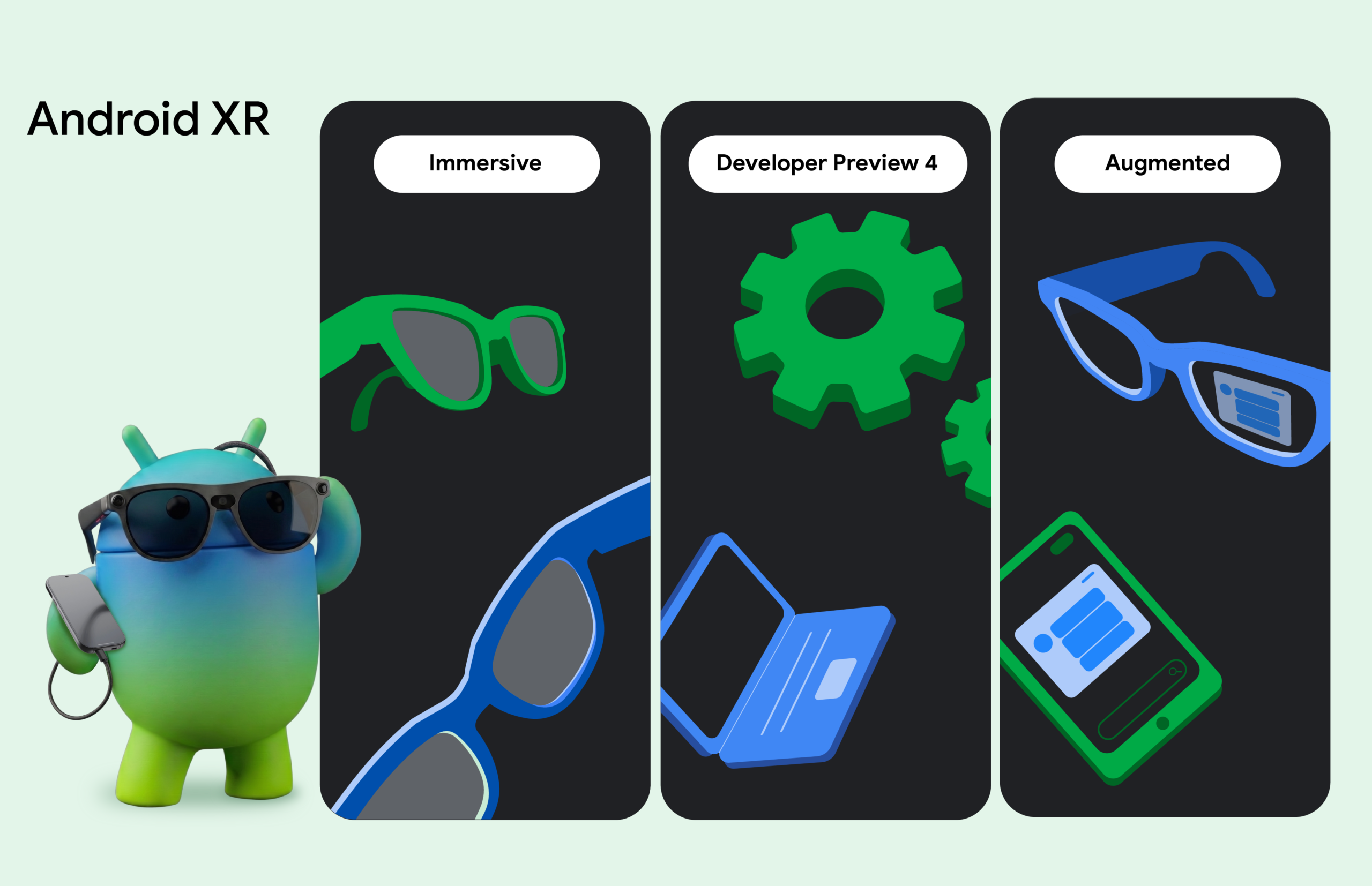
The Android XR ecosystem is witnessing rapid growth, and with the Samsung Galaxy XR now available, developers have an exciting opportunity to create innovative experiences. Recent updates from Google I/O and the Augmented World Expo (AWE) have introduced new tools, engine support, and resources designed to enhance XR development.
Major Enhancements in Android XR SDK
The latest Developer Preview 4 of the Android XR SDK equips developers with essential APIs and tools to design and build applications directly from their laptops. This update includes libraries tailored for both immersive and augmented experiences, allowing for a seamless development process.
To facilitate testing without the need for physical hardware, developers can now emulate and iterate their code entirely within Android Studio. This feature is particularly beneficial as it streamlines the workflow, enabling developers to focus on creating engaging content without the constraints of hardware limitations.
Leveraging Existing Mobile Apps for Augmented Experiences
Transitioning to augmented experiences is made easier with the introduction of the Jetpack Projected library. This tool allows developers to adapt their existing mobile applications to create complementary augmented reality experiences. One of the key features included in this release is the Device Availability API, which integrates into standard Android Lifecycle states, allowing applications to adjust their functionality based on whether augmented glasses are in use.
Additionally, the Android CLI and display glasses skill offer a pathway for developers to extend their mobile applications into augmented experiences. This skill is rich with knowledge on Jetpack Compose Glimmer, enabling the creation of user interfaces that align with recommended design patterns. Recent updates to Jetpack Compose Glimmer enhance text legibility on optical see-through displays and provide navigation components optimized for touchpad interactions.
Immersive Experiences and New Architectural Upgrades
For developers focused on immersive experiences, Developer Preview 4 introduces modern, Kotlin-first architectural upgrades across core perception libraries. An early preview of the Geospatial API for wired XR glasses has also been launched. This feature combines ARCore for Jetpack XR with Google’s Visual Positioning System (VPS), allowing developers to anchor digital content to precise real-world locations, thus enriching the user experience.
To support developers in transitioning their XR experiences to Android XR, official support for Unreal Engine and Godot has been introduced, alongside existing support for Unity. This expansion is a significant step towards creating a more inclusive development environment for various engine users.
Introducing the Android XR Engine Hub
The Android XR Engine Hub is a new desktop tool for Windows that simplifies the development process by enabling real-time testing directly within the engine’s viewport. This feature is expected to reduce iteration cycles, allowing developers to refine their applications more efficiently. A detailed breakdown of these engine updates can be found in the accompanying resources.
Support for Developers Through the Catalyst Program
In a bid to foster innovation within the ecosystem, the Android XR Developer Catalyst Program has been launched. This initiative provides developers with access to pre-release hardware, including display glasses and wired XR glasses. Accepted developers will benefit from resources, support forums, and guidance to prepare their applications for launch on Google Play.
Applications for the program are currently open, encouraging developers to submit their project ideas and take advantage of this unique opportunity.
Get Started with Android XR Today
The Android XR ecosystem is expanding rapidly, and the tools are now available for developers to explore. With Developer Preview 4 of the Android XR SDK ready to use, developers can dive into creating immersive and augmented experiences. If you haven’t acquired hardware yet, the XR Emulator in Android Studio serves as a great starting point.
For those interested in learning more, a complete playlist of technical sessions on Android XR is available on YouTube, showcasing the vast possibilities within this innovative space. The Android team is eager to see what developers will create with these new tools and resources.
Source for the original facts: Original source.