Exploring the Philosophy Behind Android Skills
The launch of official Android Skills in April has generated a significant response from the developer community, exceeding expectations. This article aims to clarify the philosophy and methodology underpinning the Android Skills project, providing insights into how these skills function and how users can leverage them effectively.
Understanding the Purpose of Android Skills
Android Skills are designed to fill specific knowledge gaps in state-of-the-art (SOTA) models. The guiding principle is straightforward: there’s no need to teach a model information it already possesses. However, there are exceptions to this rule, which will be explored further.
Current Skill Offerings
To date, approximately 20 official skills have been released, each targeting niche areas that standard models may not fully cover. Examples of these areas include:
- AGP 9
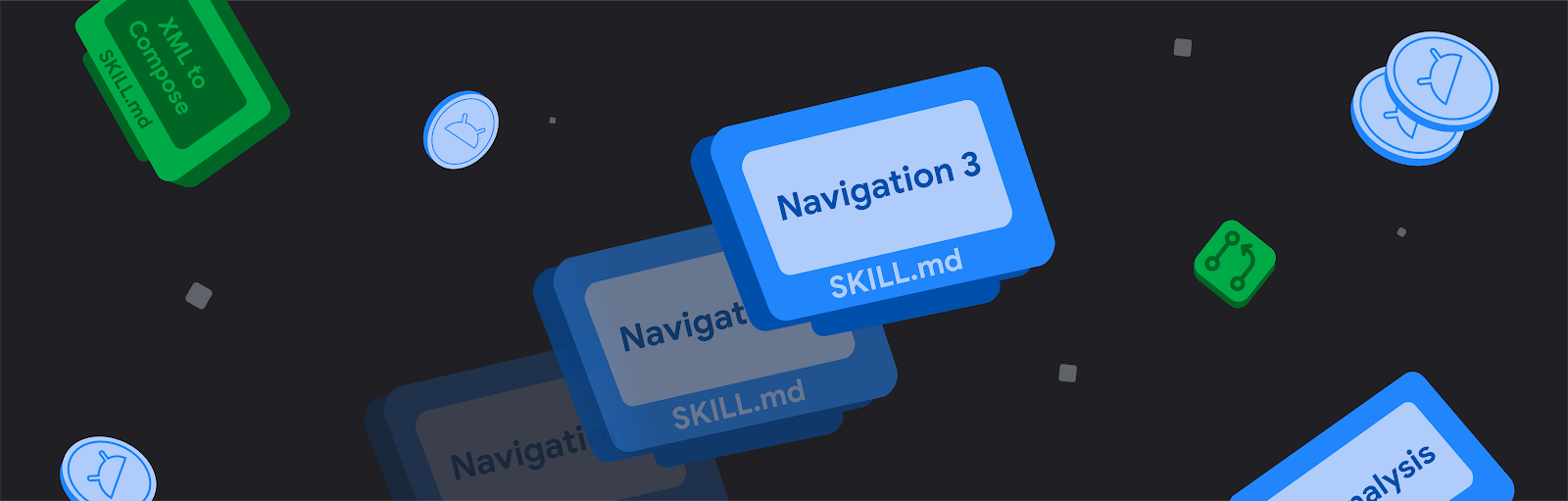
- Navigation 3
- Advanced Camera APIs
- Perfetto SQL
This targeted approach ensures that developers have access to the most relevant and up-to-date information when working in rapidly evolving fields.
Token Management and Efficiency
When a skill is installed, it injects between 100 to 200 tokens into the baseline context of every task initiated. If the skill is activated, this number can escalate into the thousands. This dynamic raises a critical question: is it worthwhile to hoard basic skills? In many cases, doing so can be counterproductive and costly.
Before installing a skill for fundamental tasks like writing in Kotlin or Compose, developers should evaluate whether their chosen large language model (LLM) already possesses adequate knowledge of these topics.
Evaluation and Testing of Skills
Prior to their public release, each skill undergoes rigorous testing against a comprehensive evaluation framework. This ensures that the skill provides tangible value to users. The evaluations serve a similar purpose as integration tests in coding, verifying that the skill performs correctly when active.
Testing is conducted using Android Studio and the latest Gemini Flash model, with compatibility checks against other models, such as Gemini Pro, and third-party systems. If the necessary information is accessible in the Android Knowledge Base, a new skill will not be published.
Best Practices for Developers
For Android developers, utilizing the Android Knowledge Base is essential for accessing official documentation. This resource is integrated into Android Studio, but for those using different agents, the Android CLI is available. This tool includes a docs command that grants access to official Android documentation, streamlining the development process.
To encourage LLMs to consult documentation more frequently, developers can add directives to their AGENTS.md files, such as “Always consult the official Android documentation when dealing with Android APIs.” This practice can enhance the accuracy and reliability of the agent’s responses.
Community Contributions and Future of Skills
The Android community plays a pivotal role in the evolution of skills. Notable contributions include:
- Chris Banes’ extensive collection of skills for Compose and Kotlin
- Ivan Morgillo’s skill for auditing Compose projects
- Jaewoong Eum’s skills focused on testing and performance
As SOTA models continue to advance, it’s anticipated that many current skills will become obsolete, particularly those centered around new APIs. To determine when to retire these skills, evaluations will occur with the release of new models, ensuring that only the most effective skills remain available.
In conclusion, understanding the philosophy behind Android Skills can significantly enhance how developers interact with these tools. By focusing on specific knowledge gaps and employing efficient token management, developers can optimize their use of skills and contribute positively to the Android ecosystem.
Source for the original facts: Original source.