Unlocking the Future: Bringing Android Games to Your Car Screen
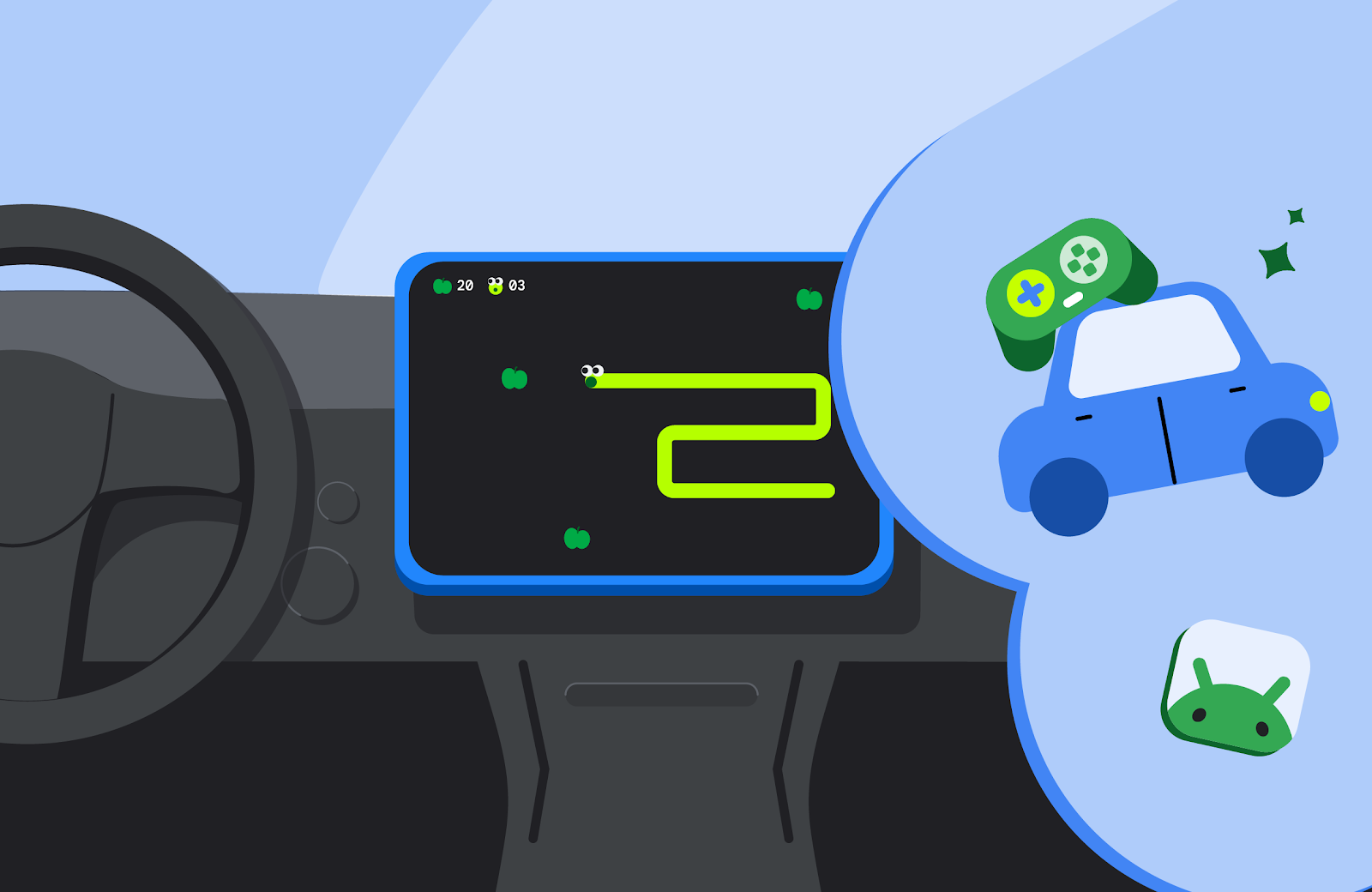
In a groundbreaking development for mobile gaming, the games category for Android Auto and Android Automotive OS has officially transitioned from beta to general availability. This milestone opens up exciting opportunities for developers to reach users during natural downtime in their vehicles, such as while waiting for a charging station or curbside order pickup.
Game Development for Vehicle Screens
With the introduction of this feature, developers can now publish their games on Google Play for both open testing and production tracks. This is an excellent opportunity for those looking to adapt existing Android games for the unique context of car screens. The process primarily involves configuring the app manifest and ensuring compliance with the vehicle’s parked state.
Technical Requirements for Game Adaptation
To ensure your game is categorized correctly, it is essential to declare its category in the app manifest. This can be done by adding the android:appCategory=”game” attribute to the manifest file. For games to be supported on Android Auto, devices must be running Android 15 or higher. Additionally, to indicate that your game supports Android Auto, include the android.intent.category.CAR_LAUNCHER element in the intent filter of your activity manifest. This element can be placed in the same intent filter as the android.intent.category.LAUNCHER or in a different activity’s intent filter.
Adapting to Unique Vehicle Contexts
Cars present a distinct physical context with specific driving and parked states. As a result, certain applications, particularly games, are classified as parked apps and are not allowed to run while the vehicle is in motion. Android Auto and Android Automotive OS implement restrictions to prevent activities from launching when the vehicle is in motion. To comply with these guidelines, do not include the distractionOptimized metadata element in any activity of your manifest.
Moreover, your game must pause audio playback when the user begins driving and should not allow unpausing while the vehicle is in motion. When a user relaunches the app from the home screen, the game should restore its previous state as closely as possible. Testing for responsiveness is also critical to ensure a seamless gaming experience without freezing or stuttering during gameplay.
Enhancing Gameplay with Controller Support
While car screens support touch input, many users prefer using connected gamepads. To cater to this preference, if your game supports controller input, declare the android.hardware.gamepad feature in your manifest. Setting the android:required attribute to false indicates that controller use is optional, while setting it to true should only be done if a controller is mandatory for gameplay.
Optimizing for Various Screen Sizes
Car displays come in various shapes and aspect ratios, including both portrait and landscape orientations. To provide an optimal user experience, it is crucial to ensure that your game is fully adaptive to different screen sizes, allowing it to run in full screen without any letterboxing or pillarboxing. Developers should refer to testing guidelines for canonical screen sizes and use hardware profiles when testing with the Android Automotive OS emulator.
Once the necessary changes have been implemented, developers can opt in to Android Auto and Android Automotive OS form factors via the Google Play Console. Before submitting the game for production, it is essential to test against the car app quality guidelines for games. Utilize the Desktop Head Unit for testing Android Auto compatibility and the Android Automotive OS emulator for the overall experience.
With the games category now generally available, this is the perfect time for developers to optimize their titles for the automotive environment. For detailed implementation guidance, refer to the documentation on building games for cars.
Source for the original facts: Original source.