Discover Gemini: Your New AI Assistant for Safer Driving
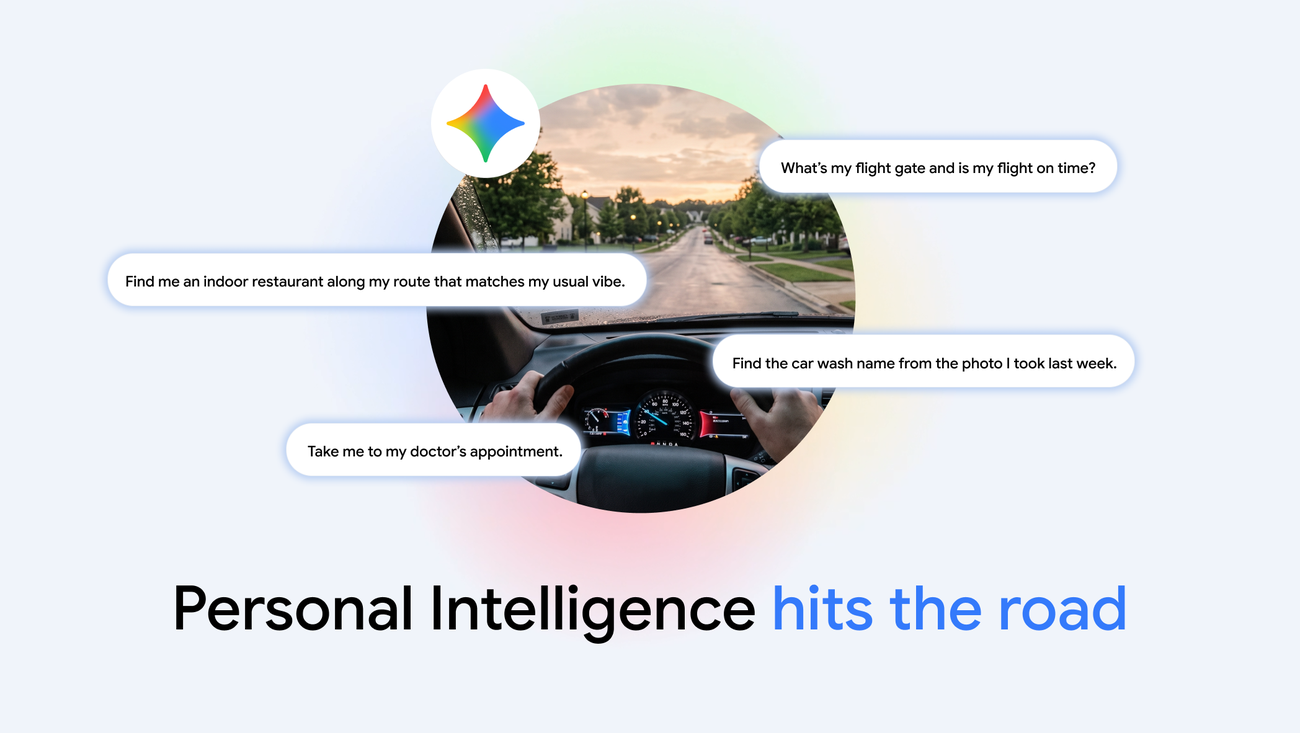
As technology advances, the integration of artificial intelligence into our daily lives becomes increasingly seamless, especially when it comes to driving. Gemini, Google’s innovative AI assistant, is now available on Android Auto and in vehicles equipped with Google built-in, providing drivers with a hands-free solution to manage tasks while on the road.
What is Gemini?
Gemini is designed to enhance your driving experience by offering personalized assistance without compromising safety. By utilizing voice commands, drivers can interact with Gemini to retrieve information from various sources, including emails, calendars, and photos, allowing for a more efficient and stress-free journey.
Personal Intelligence at Your Fingertips
One of the standout features of Gemini is its Personal Intelligence capability, which tailors responses based on your individual needs. This feature enables Gemini to pull relevant information from your Google apps, such as Gmail, Google Calendar, Google Photos, and Google Maps. For instance, you can ask Gemini about your flight gate or request directions to a nearby restaurant, all while keeping your hands safely on the wheel.
How to Get Started with Gemini
- Check Your Settings: To begin using Gemini, navigate to your Gemini settings and opt-in for Personal Intelligence. This allows the assistant to access the necessary data from your preferred apps.
- Connect Your Apps: Ensure that your Google apps are connected to Gemini for a fully integrated experience.
- Voice Activation: Once set up, you can communicate with Gemini using natural language, making your interactions feel more intuitive.
Privacy First
In an era where privacy is paramount, Gemini has been developed with user security as a top priority. Users have complete control over what information is shared, as the connection between apps is only established if you choose to enable it. Furthermore, you can disable this feature at any time through the Gemini settings. When using Gemini in a car with Google built-in, personal responses are shared only when your phone is connected, ensuring that your data remains protected.
Benefits of Using Gemini While Driving
- Hands-Free Interaction: Keep your focus on the road while still managing tasks efficiently.
- Personalized Responses: Receive answers tailored to your personal information, making interactions more relevant.
- Enhanced Safety: Reduce distractions by utilizing voice commands instead of manually interacting with devices.
- Seamless Integration: Works with various Google services to provide comprehensive assistance without additional setup.
With Gemini, drivers can experience a new level of convenience and safety. Whether you need to find directions, check your schedule, or even brainstorm ideas, Gemini is equipped to assist you while you navigate the complexities of the road.
As Gemini continues to roll out globally, users of Android Auto and cars with Google built-in can expect a smarter, more connected driving experience. If you haven’t already, consider enabling Personal Intelligence in your Gemini app to unlock the full potential of this innovative assistant.
In conclusion, Gemini stands out as a powerful tool for modern drivers, merging technology with safety to create an unparalleled driving experience. With the ability to answer complex questions and provide tailored assistance, Gemini is set to revolutionize how we interact with our vehicles.
Source for the original facts: Original source.