Enhancing Android Apps with Cloud-Based Agentic Workflows
In the evolving landscape of mobile applications, developers are continually seeking ways to enhance user experiences through intelligent design. The latest installment in the “Build intelligent Android apps” series focuses on creating autonomous in-app agentic workflows, particularly useful for complex tasks that span multiple steps and require cloud processing.
Understanding Agentic Workflows
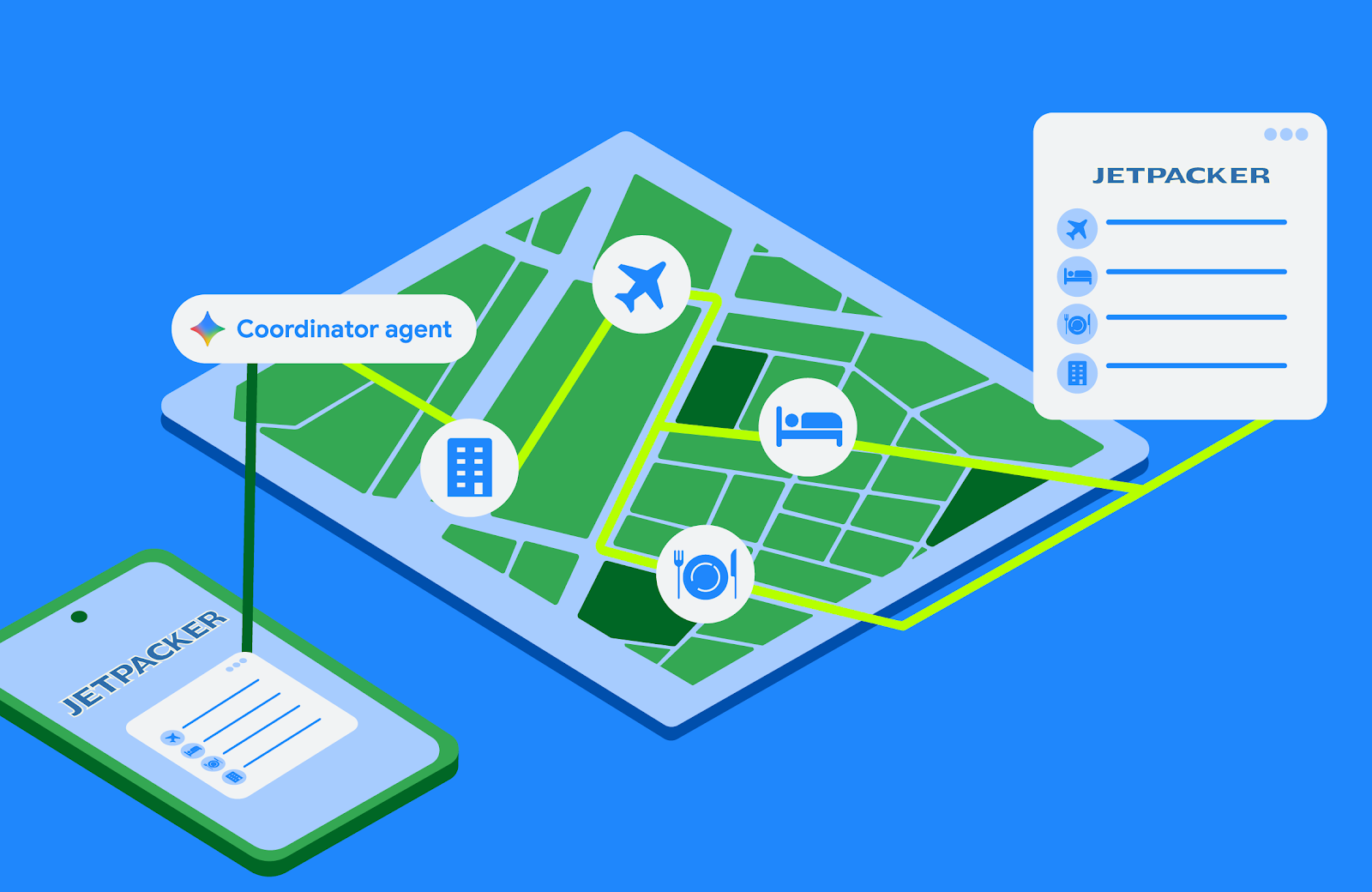
When faced with intricate tasks like planning a holiday, users often experience frustration as they juggle numerous details: booking flights, selecting accommodations, reserving tickets, and making dining arrangements. Managing these tasks directly on a mobile device can lead to lost progress if the app closes unexpectedly. To mitigate this, developers can leverage a custom self-hosted backend that efficiently handles these long-running, multi-step workflows.
Benefits of a Cloud-Hosted Backend
- Seamless Execution: The backend executes booking agents in the background, allowing the app to focus on providing real-time updates and user interactions.
- Reduced Complexity: By offloading task management to the cloud, developers can simplify API credential handling and session management.
- User-Centric Design: The app can visualize progress and request user input only when necessary, enhancing the overall user experience.
To illustrate the implementation of these workflows, the Jetpacker app has introduced a Booking Assistant that coordinates various aspects of travel planning, utilizing the Agent Development Kit (ADK) along with two essential protocols: AG-UI and A2UI.
Implementing the Agent Development Kit (ADK)
The ADK simplifies the process of running agents by managing execution steps, tracking conversation context, and routing messages between users and the model. Developers can focus on crafting clean procedural logic while the framework manages the orchestration behind the scenes.
For real-time updates, the AG-UI protocol plays a critical role. It establishes a bidirectional transport layer that standardizes communication between agents and UI clients. This protocol enables agents to relay lifecycle events, text messages, and tool calls, while clients can send user inputs and custom actions back to the agent.
Dynamic User Interface with A2UI
The A2UI protocol enhances the user interface by allowing agents to dynamically describe and update UI components. This decouples the visual implementation from the agent’s workflow state, providing a more streamlined experience for users. The server sends JSON payloads that specify which components to render and their properties, ensuring that the app can adapt to user interactions fluidly.
To integrate these functionalities into the Jetpacker app, developers can utilize the ADK A2UI integration. This approach eliminates the need for extensive manual prompt instructions for each component, as the A2uiSchemaManager compiles JSON schemas and layout instructions directly into the system prompt. This ensures that the model understands the required structure for generating valid A2UI payloads.
Getting Started with Jetpack Compose
To implement these features, developers will first need to add the necessary dependencies to their module’s build.gradle.kts file. Each component class, like BookingStatusComponent, will map the properties received from the JSON payload into a Jetpack Compose composable function, allowing for a rich, interactive user experience.
By embracing these advanced agentic workflows, Android developers can create applications that not only meet user needs but also anticipate them, ultimately leading to a more engaging and intelligent mobile experience.
Source for the original facts: Original source.