Unlocking Gaming on the Go: Android Auto Now Supports Games
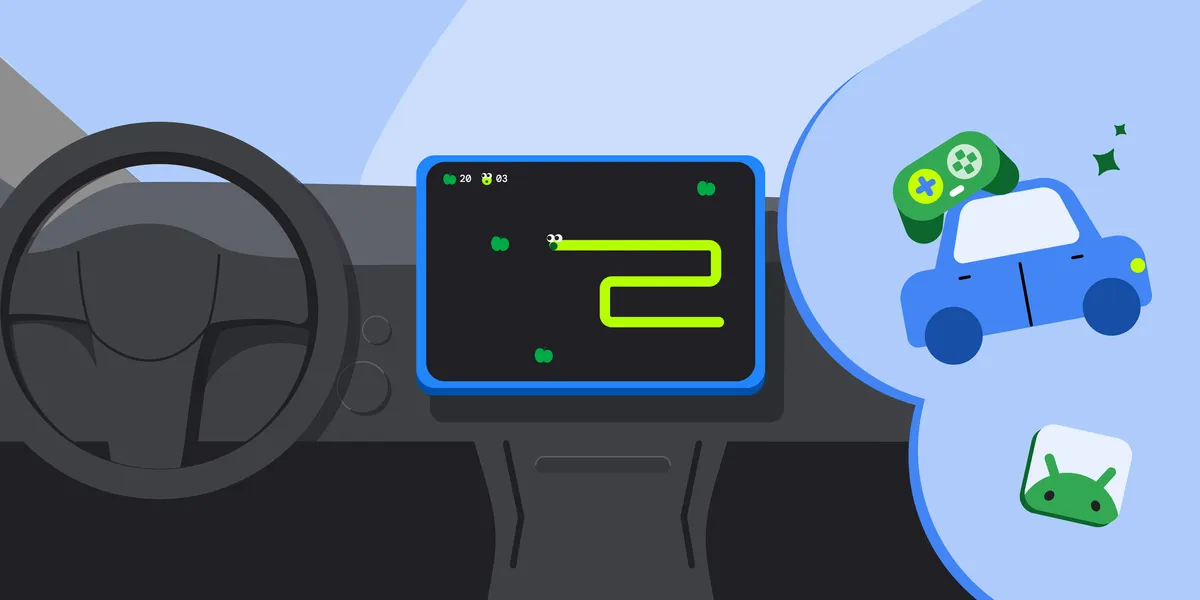
In an exciting development for mobile gaming enthusiasts, the games category for Android Auto and vehicles powered by Android Automotive OS has officially transitioned from beta to general availability. This milestone opens the door for developers to bring their games to a unique platform—car screens—allowing users to engage with their favorite titles during downtime, such as while waiting at charging stations or curbside pickups.
Expanding Opportunities for Developers
With this new availability, developers can now publish their games to the open testing and production tracks on Google Play. This transition is not just a technical upgrade; it represents a significant opportunity for game developers to reach users in a novel environment. The implementation process focuses on adapting existing Android games to meet specific technical requirements and publishing criteria.
Adapting Your Game for the Car Screen
To successfully bring an existing Android game to the car screen, developers need to follow several key steps. The primary requirement is to configure the app manifest correctly, ensuring that the game respects the vehicle’s parked state. Here are some essential adjustments to make:
- Declare the Game Category: To distribute your game in the games category, you must add the android:appCategory=”game” attribute to the manifest file.
- Support for Android Auto: Include the android.intent.category.CAR_LAUNCHER element in the intent filter of your activity to declare support for Android Auto.
- Support for Android Automotive OS: Add the android.hardware.type.automotive element in the manifest. Depending on the distribution track, set the android:required value accordingly.
Ensuring a Safe and Engaging Experience
Safety is paramount when it comes to in-car applications, especially games. Since certain apps are classified as parked apps, they cannot operate while the vehicle is in motion. Android Auto and Android Automotive OS enforce restrictions to prevent distractions while driving. To comply with these guidelines, developers should:
- Ensure that the distractionOptimized metadata element is not included in any activity.
- Make sure audio stops when the vehicle is in motion and cannot be resumed until the car is parked.
- Restore the app state as closely as possible when relaunching from the home screen.
Optimizing for Different Devices
Car displays come in various shapes and sizes, which means games need to be fully adaptive to provide a seamless experience across different screens. Developers are encouraged to:
- Test the game against canonical screen sizes to ensure it runs full screen without letterboxing or pillarboxing.
- Utilize the Desktop Head Unit and Android Automotive OS emulator for thorough testing.
Additionally, many users prefer gaming with a connected gamepad. If your game supports controller input, it’s essential to declare the android.hardware.gamepad feature in the manifest, while setting the android:required attribute to false to indicate that controllers are optional.
Final Steps Before Launch
Once the necessary changes are made, developers can opt into Android Auto and Android Automotive OS form factors via the Google Play Console. Before launching, it’s crucial to test the game against the car app quality guidelines for games. This ensures a high-quality experience for users and compliance with all necessary regulations.
With the games category now widely available, this is an opportune moment for developers to optimize their titles for in-car use. For detailed implementation guidance, developers can refer to the documentation available at Build games for cars.
The Android ecosystem continues to grow, and the addition of games to Android Auto signifies a new frontier for mobile gaming. Developers are encouraged to embrace this opportunity and create engaging experiences for users on the go.
Source for the original facts: Original source.